
Run
Production Monitoring
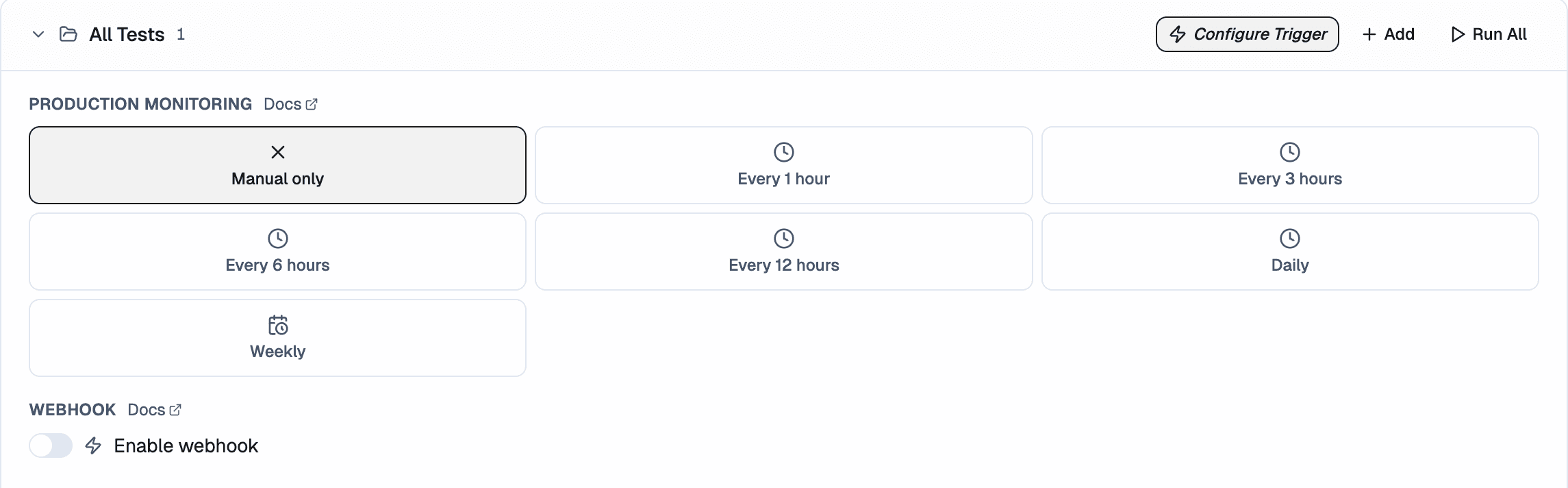
Production Monitoring execute tests at a fixed time, on repeat. Use them for nightly smoke checks, regression catching, or monitoring key flows outside of PR activity.
Set up Production Monitoring
- Open Project → Tests tab.
- Click the Triggers button.
- Click New Production Monitoring.
- Set:
- Frequency: Hourly, Daily, or Weekly
- Time and timezone
- Day of week (weekly only)
- Test group to execute - each production monitor runs a test group you've already created
- Save.
Failure notifications
If any test in a monitored run fails, you'll receive an email notification so you can act on it right away. You can also get failure alerts in Slack by connecting your workspace.
Tips
Keep each monitor focused. A monitor that tries to test login, billing, and settings in one go is harder to act on when it fails. Split those into separate groups instead.