
Auth
HTTP Basic Auth
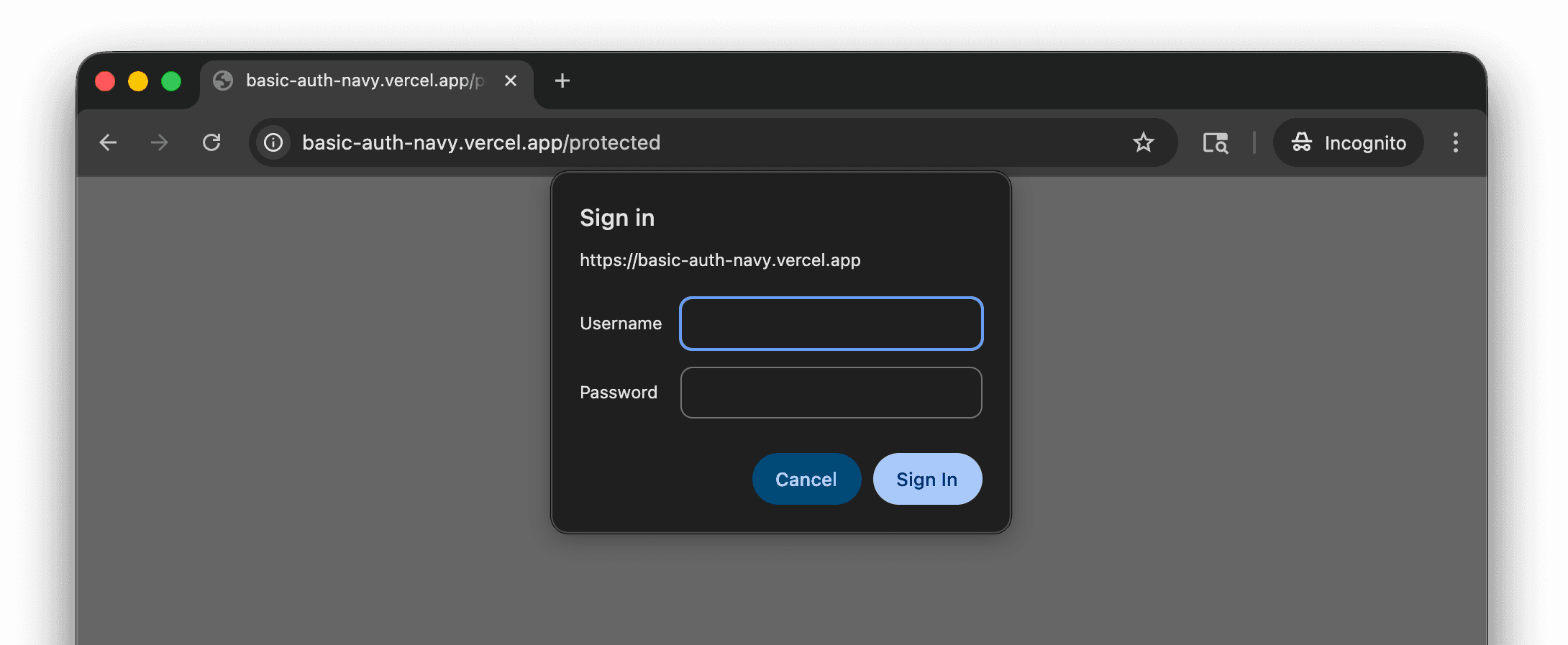
If your staging or preview site is behind HTTP Basic Authentication, save credentials in TesterArmy so the AI agent can access it during test runs.
Setup
- Go to Project Settings → Integrations → Site Protection.
- Click Set up on the HTTP Basic Auth card.
- Enter the username and password.
- Click Save.
Credentials are stored encrypted and sent automatically with every test run for that project.